Apple devices are perfect for IPTV. Setup is done straight from the App Store, with no workarounds.
Installation
- Open the App Store and search for an Xtream Codes–compatible IPTV player (for example, Smarters Player Lite).
- Install and open the app.
- Choose Login with Xtream Codes API.
- Enter your credentials and confirm.
On Apple TV
The steps are the same from the Apple TV App Store. The Siri Remote makes it easy to browse channels and categories.
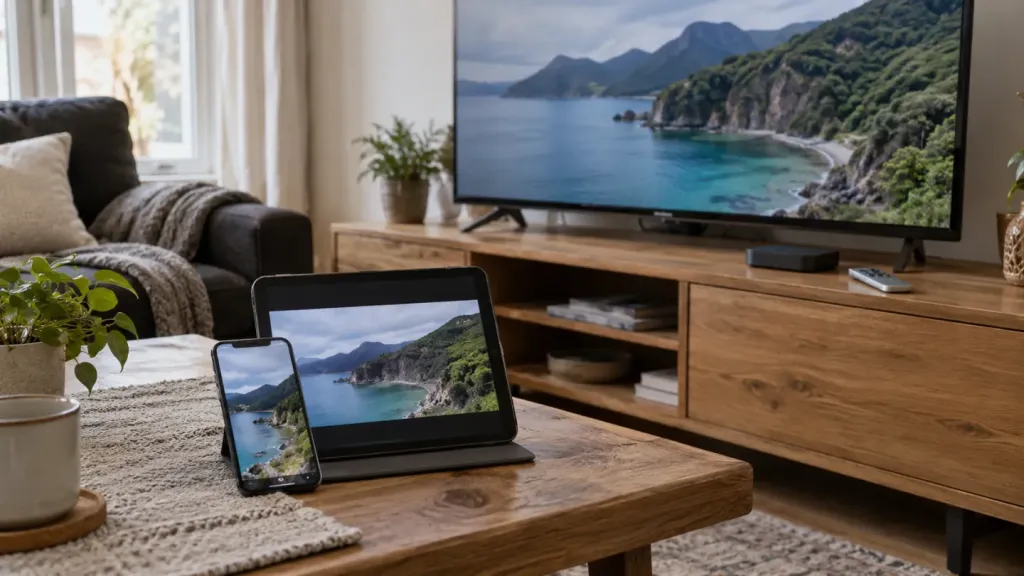
The AirPlay tip
From your iPhone or iPad, you can also cast to any AirPlay-compatible TV — handy for a second screen or when you’re traveling.