Buffering (endless loading) is the most common IPTV problem. In most cases, it can be fixed in a few minutes with these checks.
- Restart the app, then your device.
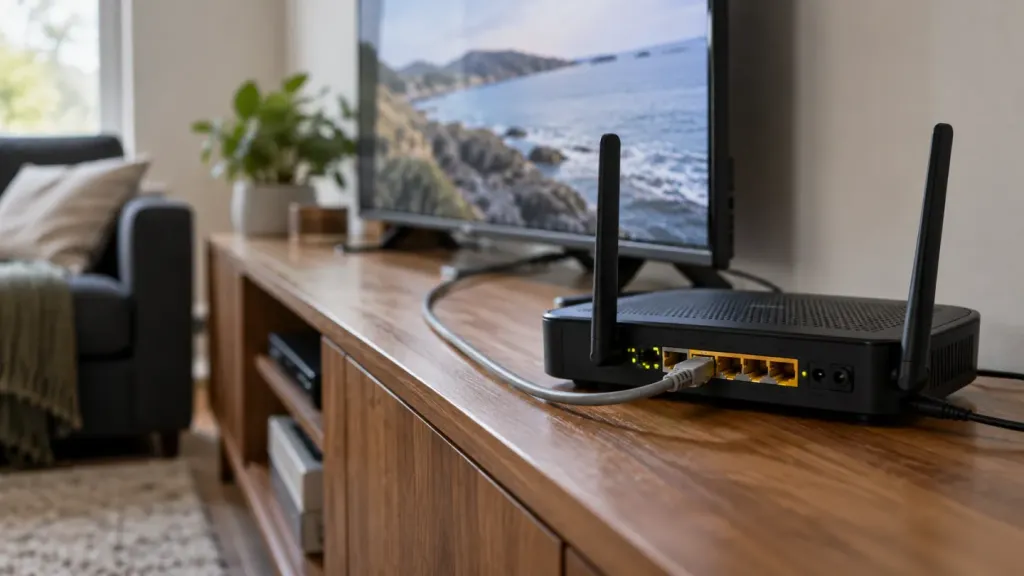
- Restart your router by unplugging it for 30 seconds.
- Test your internet speed on the device you use: 15 Mbps minimum for HD.
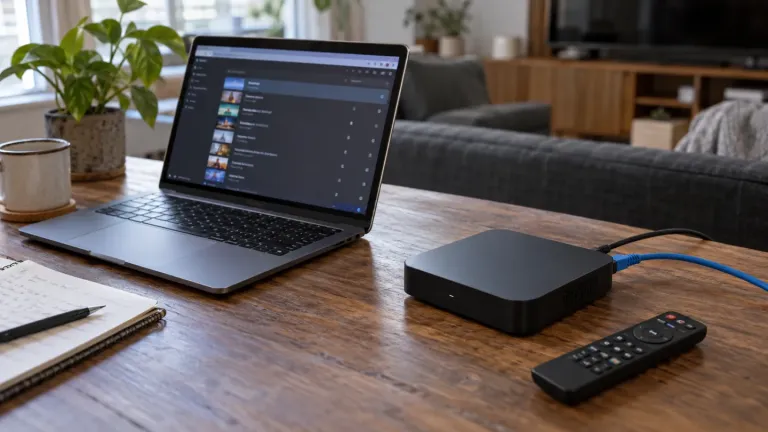
- Switch to an Ethernet cable or 5 GHz Wi-Fi.
- Pause other heavy usage (downloads, updates, other streams).
- Clear the app cache in your device settings.
- Lower the quality (Full HD instead of 4K) if your connection is borderline.
Still having issues?
Contact our support on Telegram and tell us the channel, your device and the time of the problem: this helps us fix it much faster.